If you're looking for a LootLocker alternative, start with what you'd be replacing. LootLocker is a hosted player platform: accounts and sign-in, leaderboards, progression, player files and commerce, across PC, mobile and console. PowerUp is narrower. It's a monetization engine for Godot games, with the store, coins, season passes, quests, rewarded ads and checkout in one addon. The two overlap on the store and the wallet, and not much else, so for many games the answer is to use both. Everything below about LootLocker comes from its own site and docs, as of October 2026.
At a glance
| LootLocker | PowerUp | |
|---|---|---|
| What it is | A player platform: accounts, leaderboards, progression, commerce and a player CRM | A monetization engine: store, wallet, passes, quests, ads, checkout and checks before publish |
| Engines | Unity, Unreal and Godot SDKs, plus a REST API | A Godot 4 SDK, plus a REST API for any engine |
| Godot SDK | GDScript, MIT, on GitHub; covers sign-in, players and leaderboards | GDScript; covers the whole runtime: store, wallet, passes, quests, events, news, clubs, ads and checkout |
| Sign-in | Guest, its own accounts, Apple, Google, Steam, Epic, consoles, Meta, Discord | Its own player tokens, plus transfer and recovery codes. No platform sign-in |
| Leaderboards and saves | Leaderboards with scheduled resets and rewards; player files | Club tournaments and match records only. No cloud save |
| Real-money stores | App Store, Google Play, Steam, Epic, Microsoft Store, PlayStation Store, Stripe | App Store, Google Play, and Stripe on web and desktop |
| Consoles | On the Pro and Publisher plans | No |
| Price | Free under $100k revenue and funding and 10k MAU; Pro $500 a month | See pricing |
| Getting started | Self-serve sign-up | Early access |
Where LootLocker is stronger
- Platforms. LootLocker's sign-in covers Apple, Google, Steam, Epic, PlayStation, Xbox, Nintendo Switch, Meta and Discord, plus guest and its own username and password accounts. PowerUp has none of these.
- More stores. Real-money purchases come from seven storefronts, Steam and the console stores among them. PowerUp takes three: the App Store, Google Play and Stripe.
- Backend features PowerUp doesn't have. Leaderboards can reset on a schedule and pay out currency, assets or progression to the top players. Player files cover cloud saves, and progressions can track levels, achievements or a battle pass.
- More engines. Unity and Unreal SDKs as well as Godot, if you plan to ship in more than one engine.
- Open to start. You can sign up and read every doc today. PowerUp is in early access, and its addon isn't on Godot's Asset Library.
Where PowerUp is stronger
- The Godot SDK covers all of it. LootLocker's
Godot quick start says its SDK supports a
subset of the platform, and the Godot samples for
catalogs and
Stripe purchases
are marked as coming soon. PowerUp's
PowerUpautoload has 70 methods and 16 signals, and they cover every part of the runtime: the store, coin wallet, passes, quests, events, news, clubs, ads and checkout. - Monetization systems, built in. Season passes with free and premium tracks, quests counted from real matches, events on a calendar, subscriptions with perks, and rewarded ads with AdMob rewards verified on the server, daily caps and pacing. buggs.io hasn't switched all of them on yet, so a demo shows them on sample data.
- One wallet across every checkout. Stripe on web and desktop, StoreKit 2 and Play Billing on phones, each receipt checked on our servers. A refund takes back what the purchase gave, even coins the player already spent. See in-app purchases for Godot.
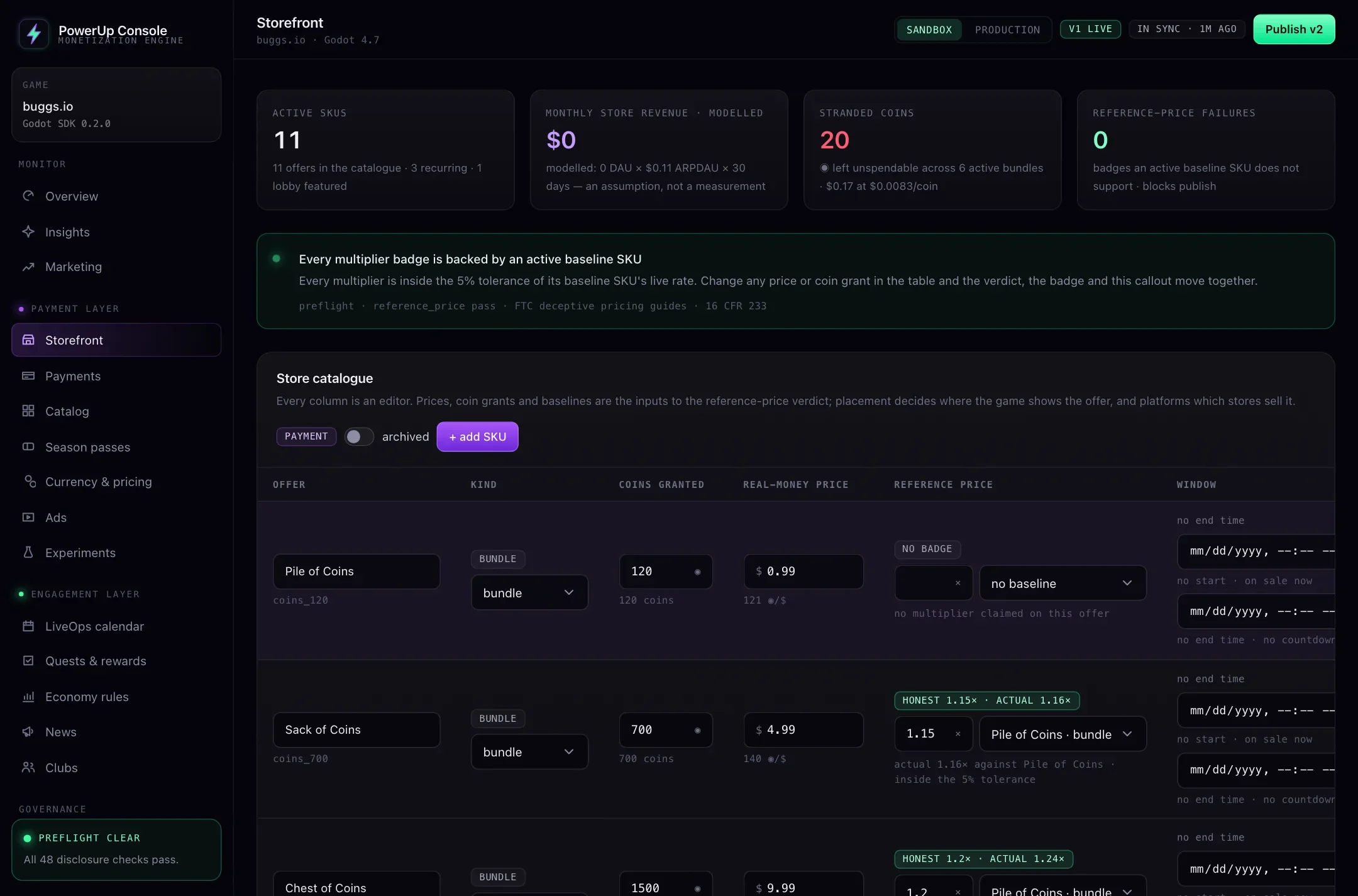
- Checks before you publish. Changes wait in a draft. Publishing runs 48 automated checks on prices, offers, ads, passes, game versions and younger players, and if one fails, nothing ships. Every release can be rolled back.
In Godot, side by side
LootLocker's Godot SDK (1.3.0, April 2026, Godot 4.3 and later)
is a folder you copy into addons/ and enable as a plugin. Its request classes cover guest, Steam and
LootLocker's own sign-in, player profiles and leaderboards. For catalogs, wallets and purchases, you'd call
LootLocker's game API with HTTPRequest yourself for now.
PowerUp is also one folder, addons/powerup/, with a PowerUp autoload. Showing a store takes a few
lines, and the bundled offer button stays disabled for an offer that's missing its price:
func _ready() -> void:
    PowerUp.initialize("YOUR_PUBLISHABLE_KEY", save.client_id, {
        "baseUrl": API_URL, "client": "mygame/1.0.0",
    })
    PowerUp.player_token_issued.connect(func(token: String) -> void: save.token = token)
    if save.token != "":
        PowerUp.set_player_token(save.token)
    else:
        await PowerUp.register_player(save.client_id, save.display_name)

    var store: Dictionary = await PowerUp.fetch_storefront()
    if store.ok:
        for offer in store.storefront.offers:
            var button := PowerUpOfferButton.new()
            button.configure(offer)   # disabled if the offer has no price
            %OfferGrid.add_child(button)
Each button emits offer_pressed with its offer when a player taps it, and that's where your checkout
starts. The getting started guide covers the rest of the setup, and
payments covers checkout on phones and on the web.
Pricing
As of October 2026, LootLocker's pricing has three plans. Personal is free for studios under $100,000 of combined revenue and funding over the last 12 months, with up to 10,000 monthly active users; new players past that limit can't connect until the next calendar month, and consoles aren't included. Pro is $500 a month with 10,000 users included, $0.015 for each one after that, and consoles. Publisher is custom.
PowerUp's plans are on the pricing page. Either way, Apple, Google and Stripe still take their own fees on each sale.
Using both
The two fit together well, because they barely overlap. A common split:
- LootLocker for sign-in (especially Steam and consoles), leaderboards, player files and progression.
- PowerUp for the store, coins, passes, quests and rewarded ads on web and mobile, with the publish checks on top.
PowerUp knows each player by a stable id your game chooses, so keep that id in the same save as your LootLocker session details. And let one service own your currency. If PowerUp runs the store, keep the coins there too, so balances, refunds and support adjustments live in one ledger.
Which should you pick?
- Pick LootLocker if you ship on Steam or consoles, need platform sign-in or leaderboards, or work in Unity or Unreal too.
- Pick PowerUp if your Godot game earns from a store, coins, passes and ads on web and mobile, and you want every price change checked before players see it.
- Use both if you need LootLocker's player features and PowerUp's monetization depth.
The Godot backends comparison covers Talo, Nakama and the others too.